PerfuMate › Start here
Your first perfume, step by step
This page walks the whole path in real screenshots of the real app, taken on 2026-08-27. Nothing here is a mock-up. The app has changed since (a new default theme, and a dock where the side rail was), so some screens will look different on yours. You need no account, no card and no experience. If you have ever wanted to make perfume and did not know where the first step is, it is on this page.
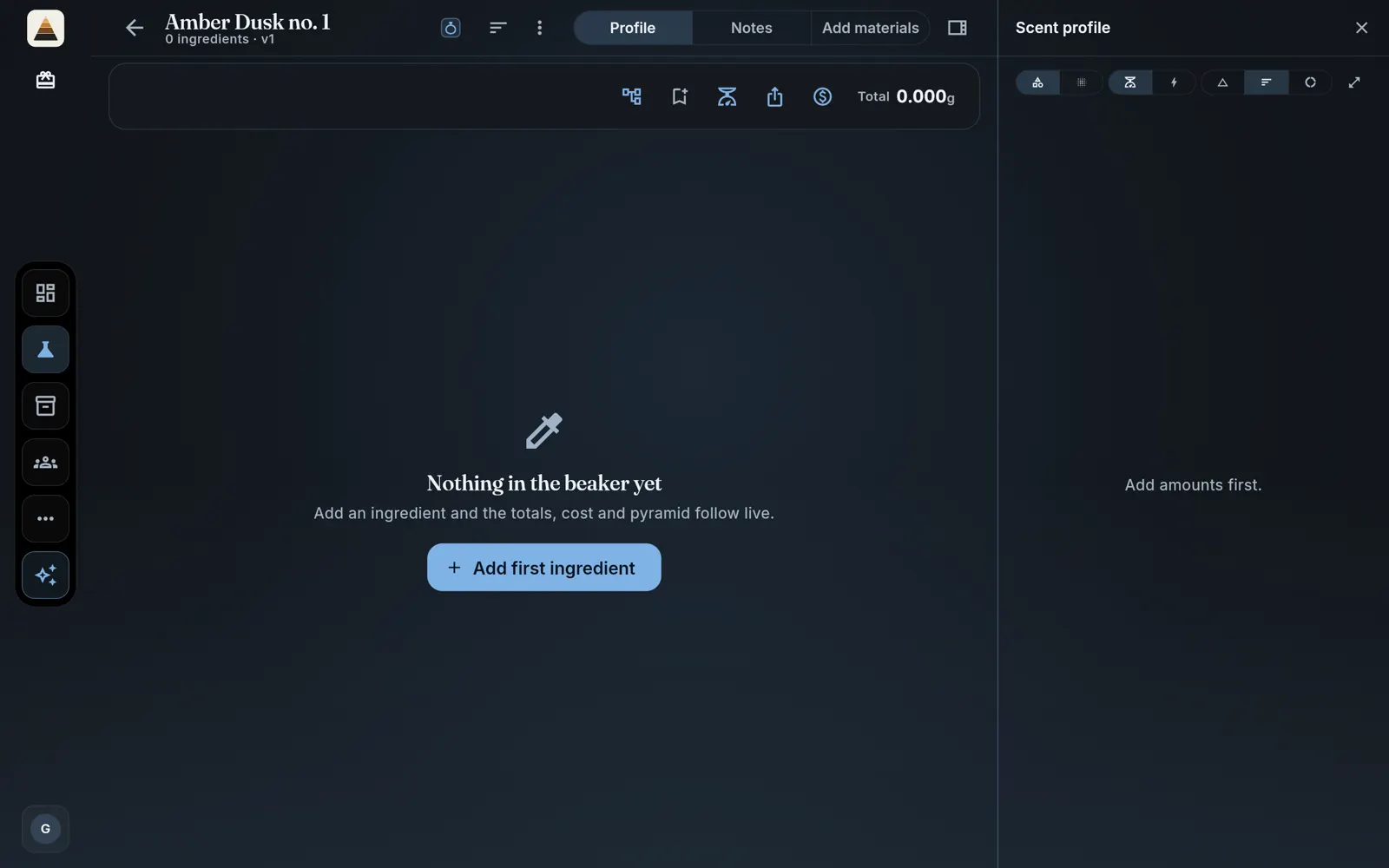
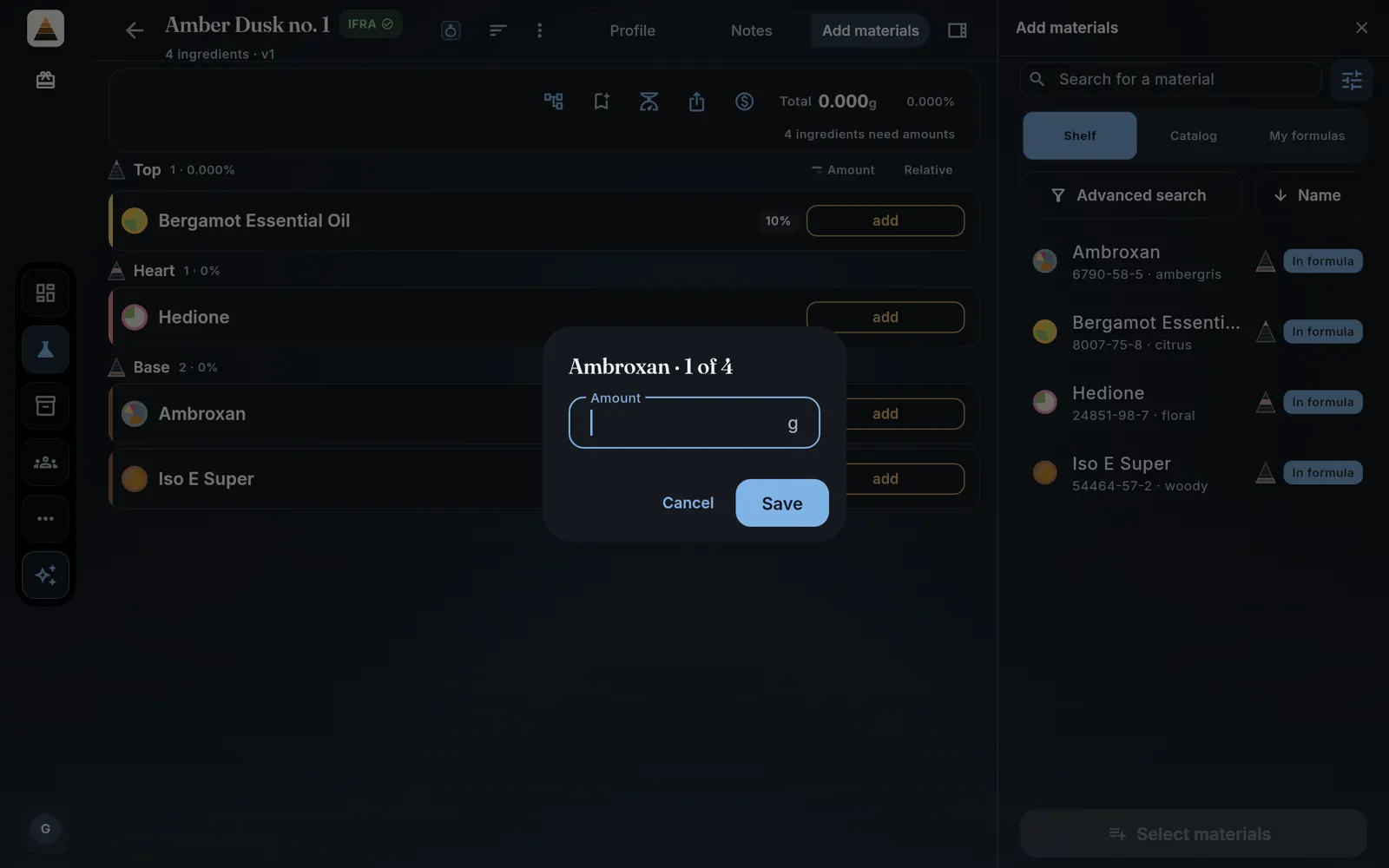
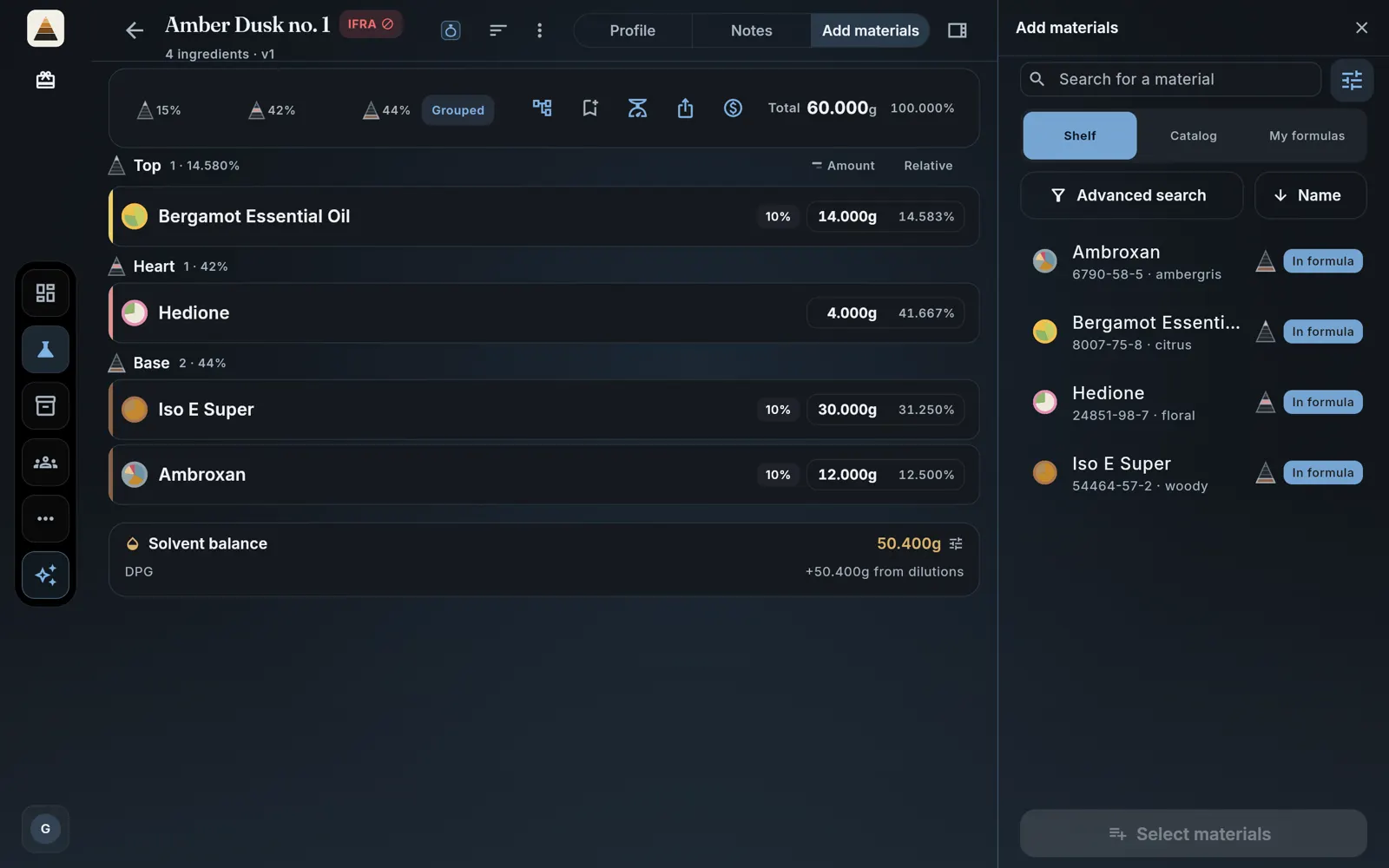
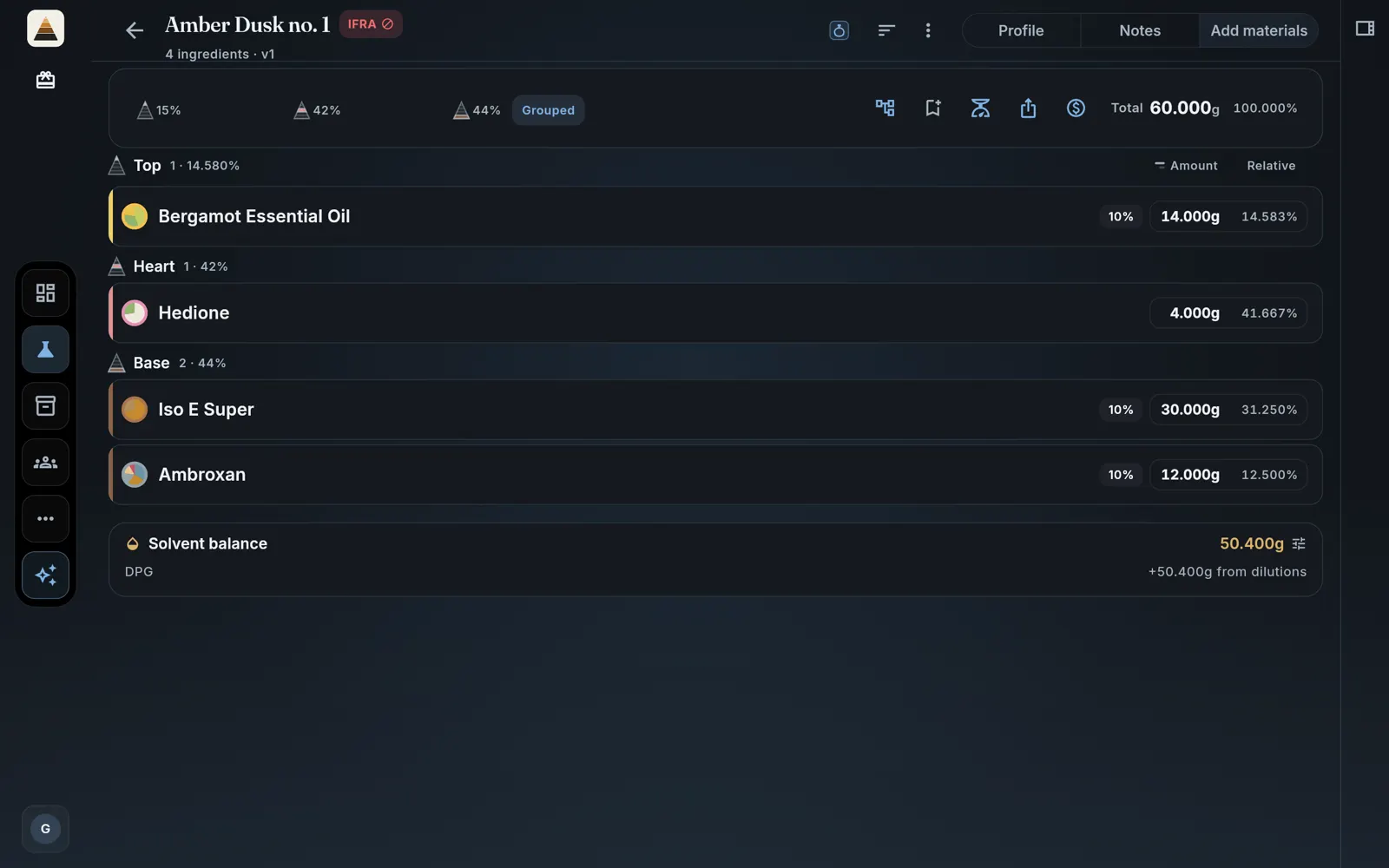
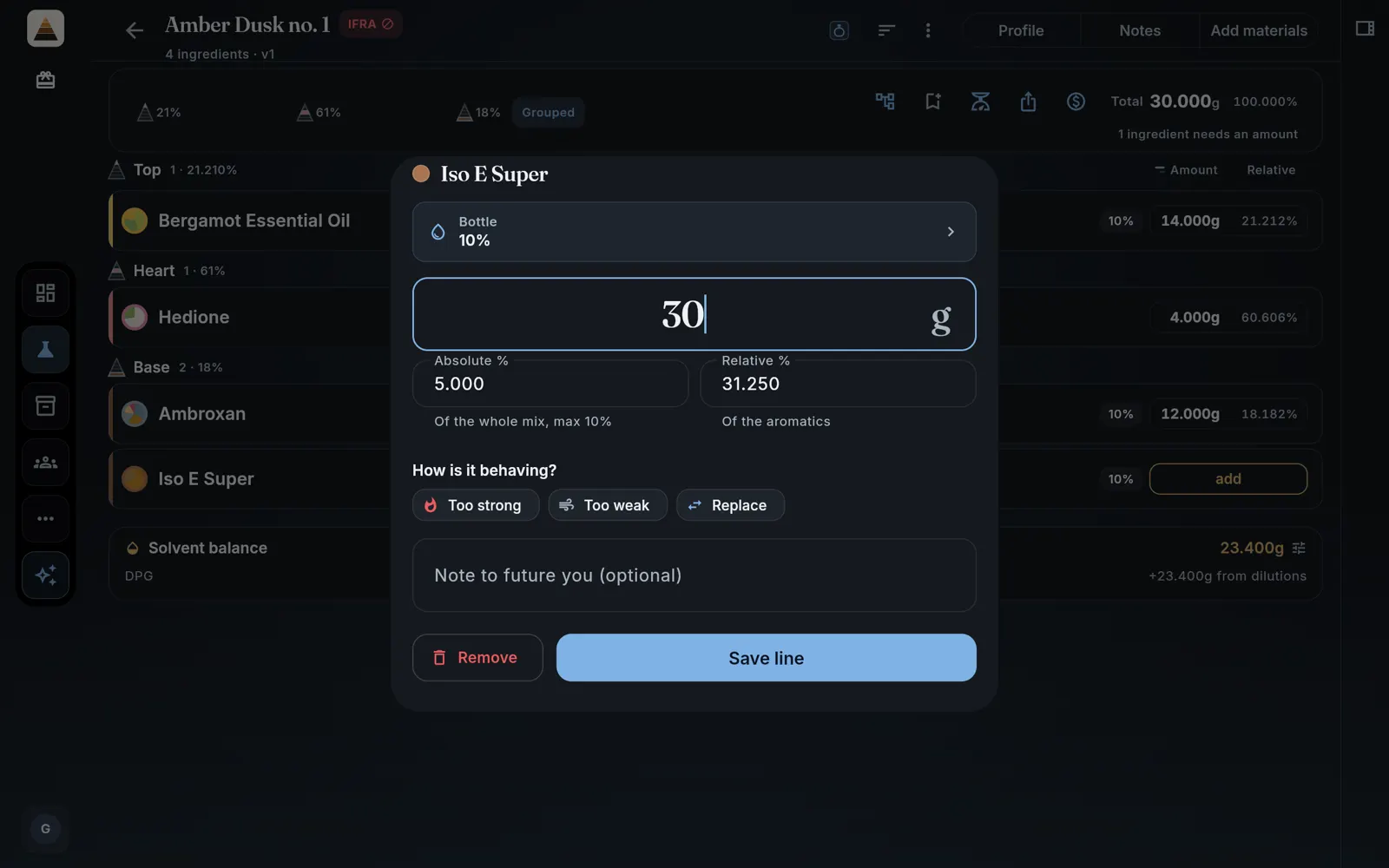
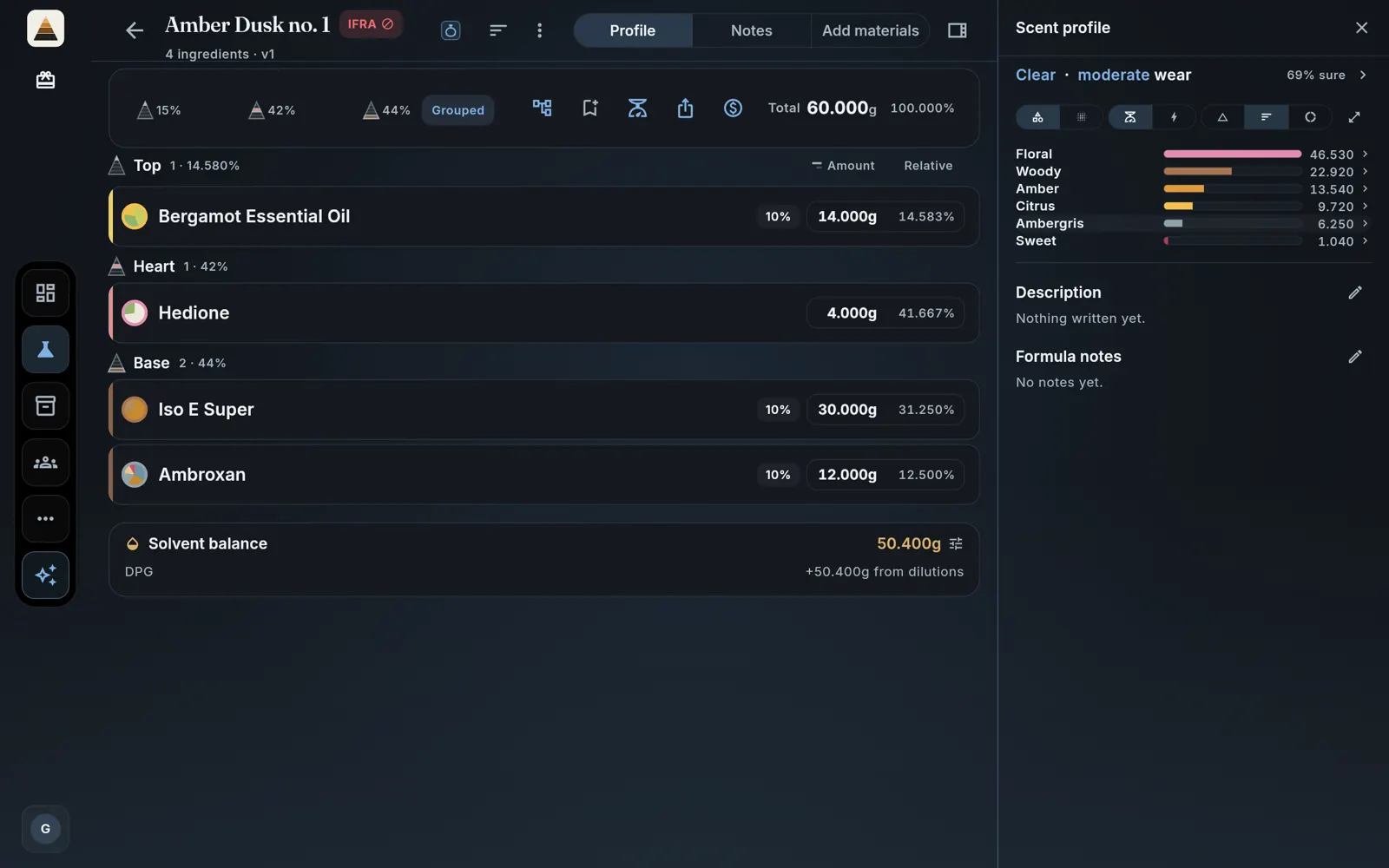
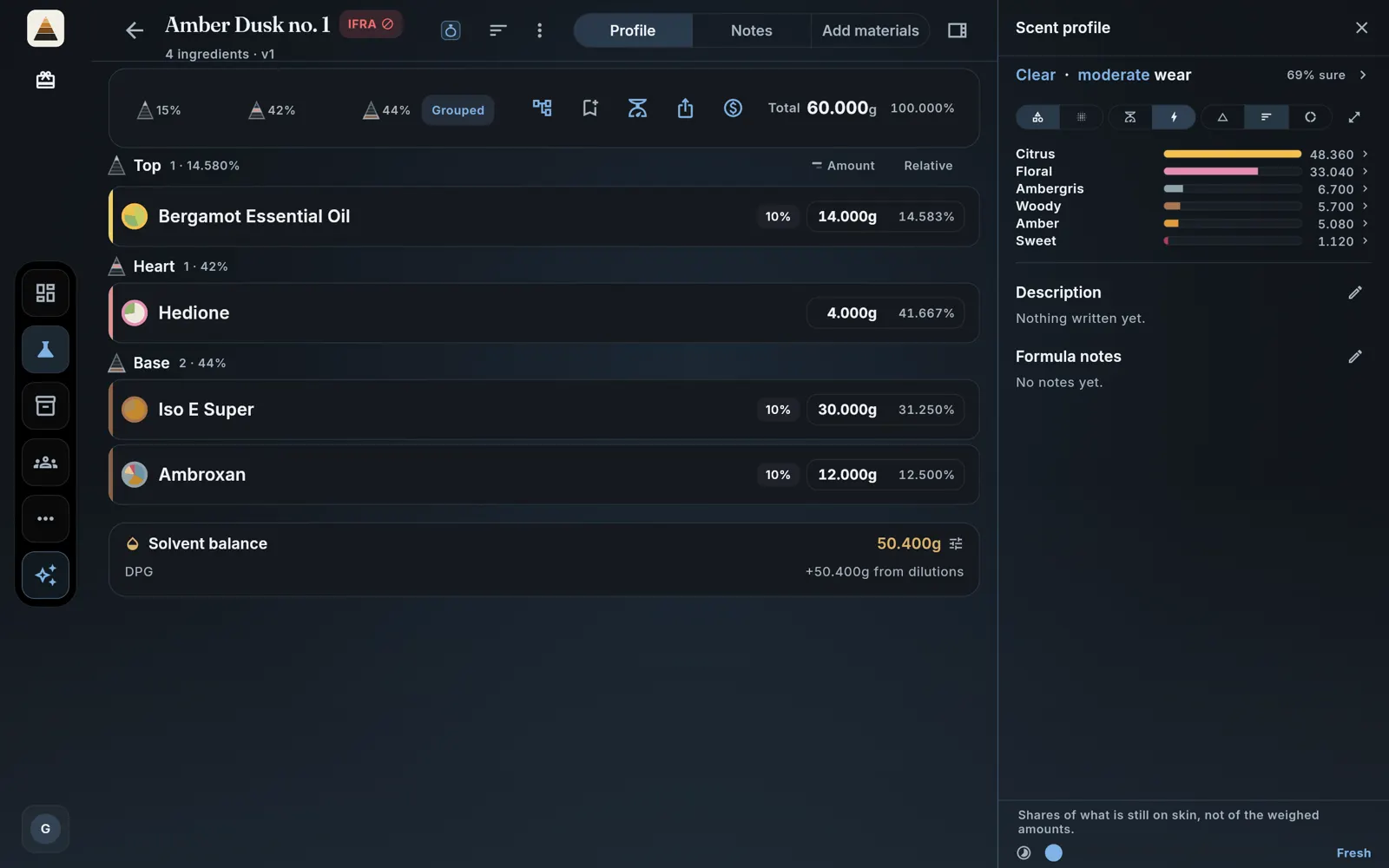
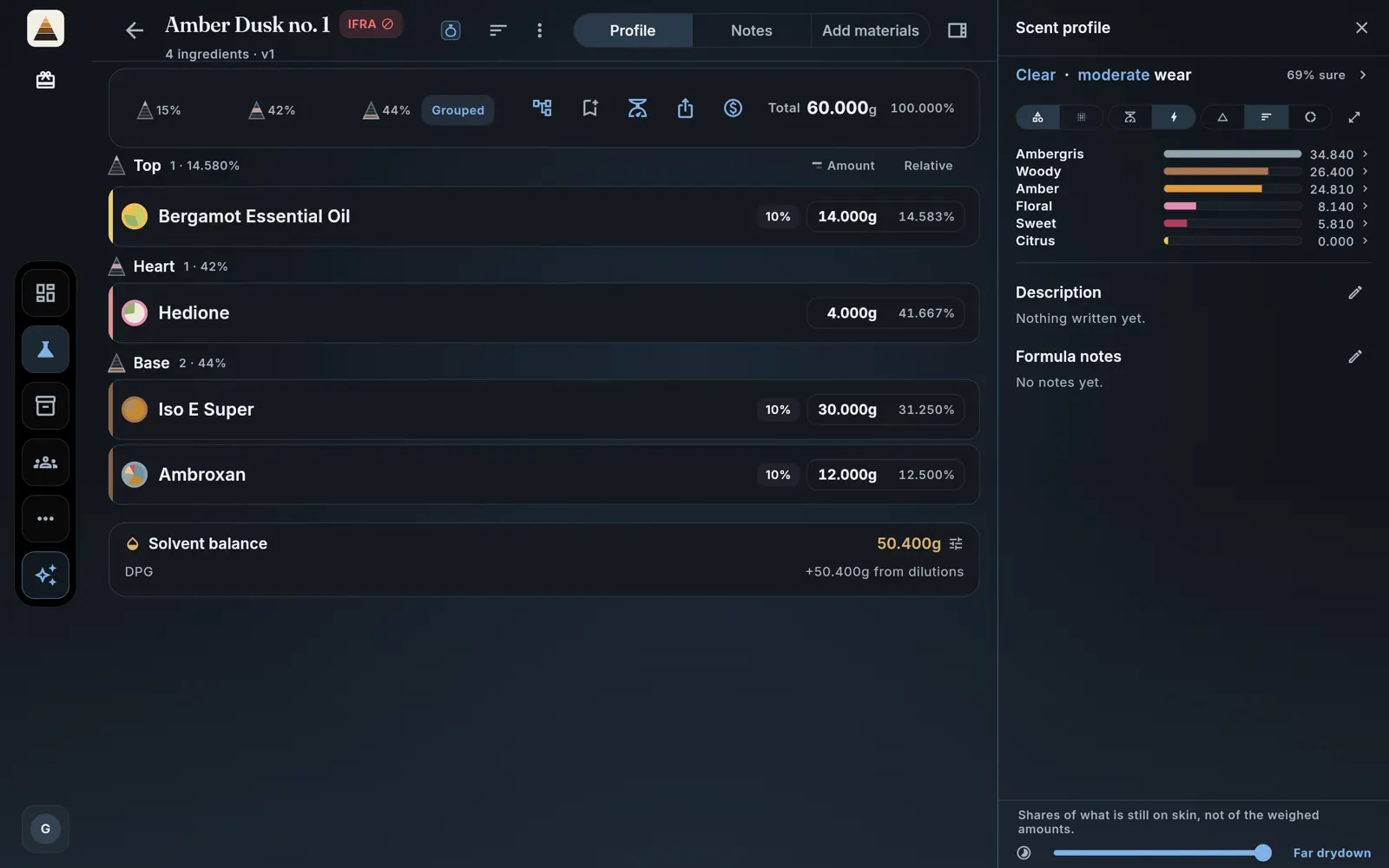
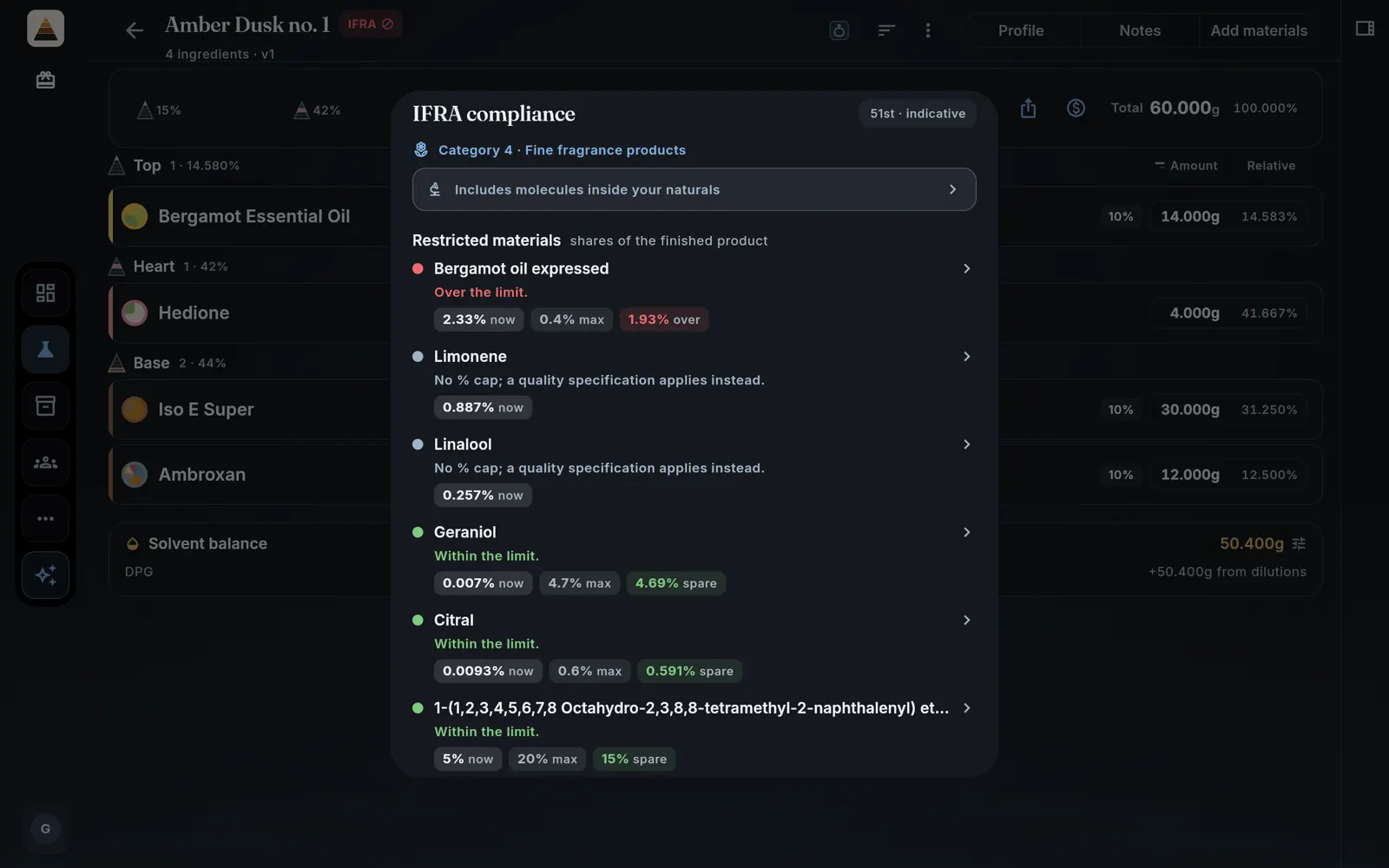
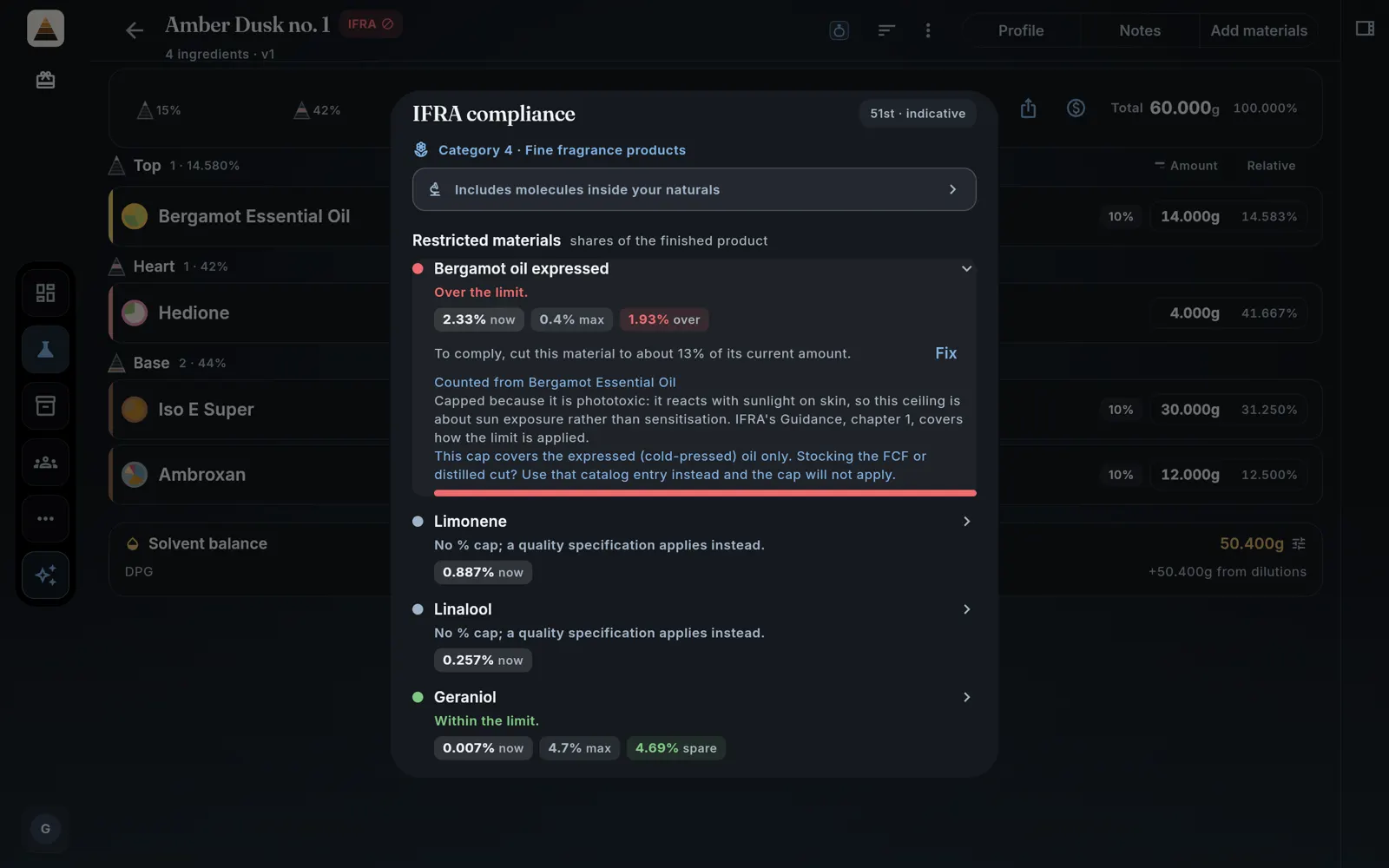
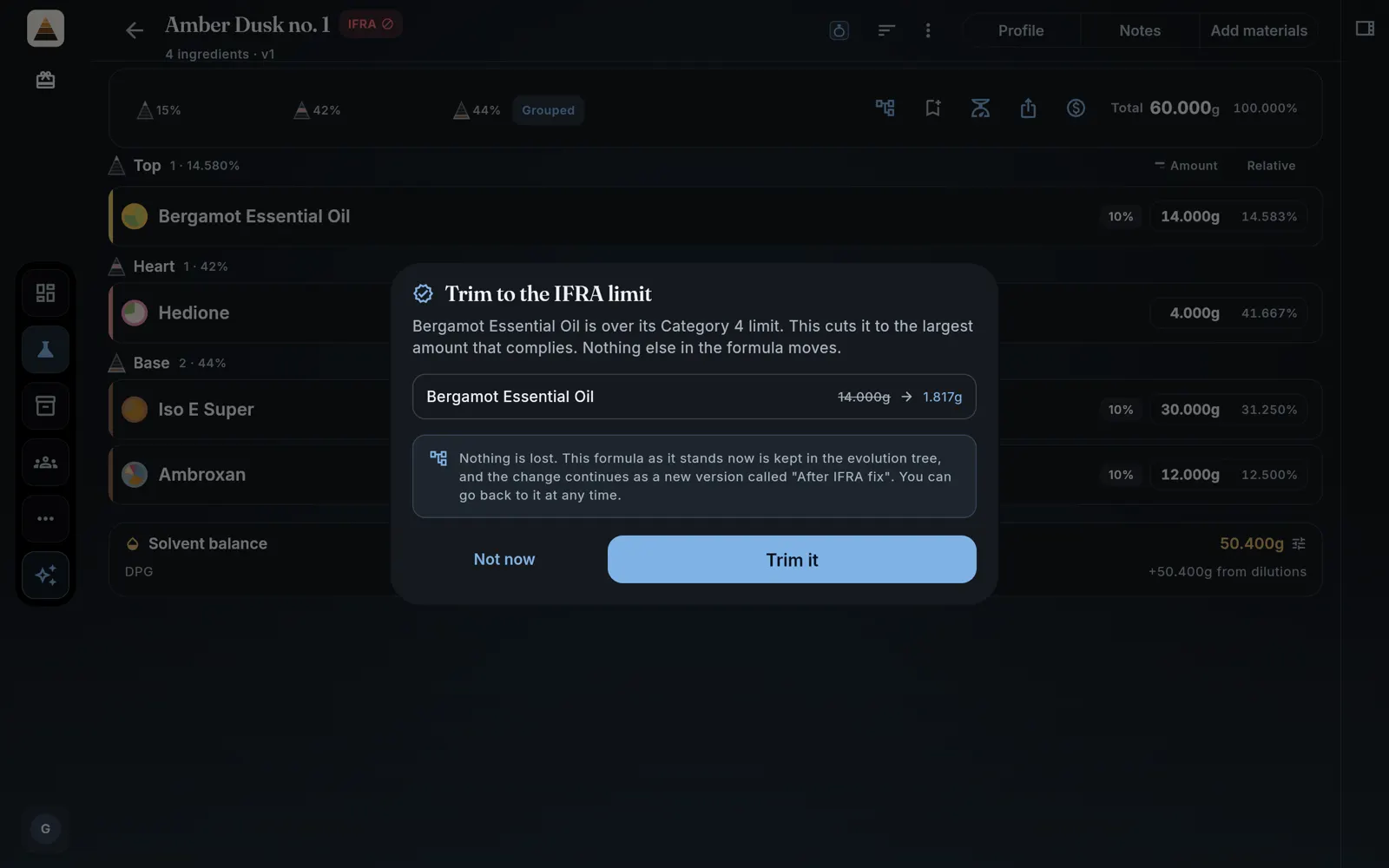
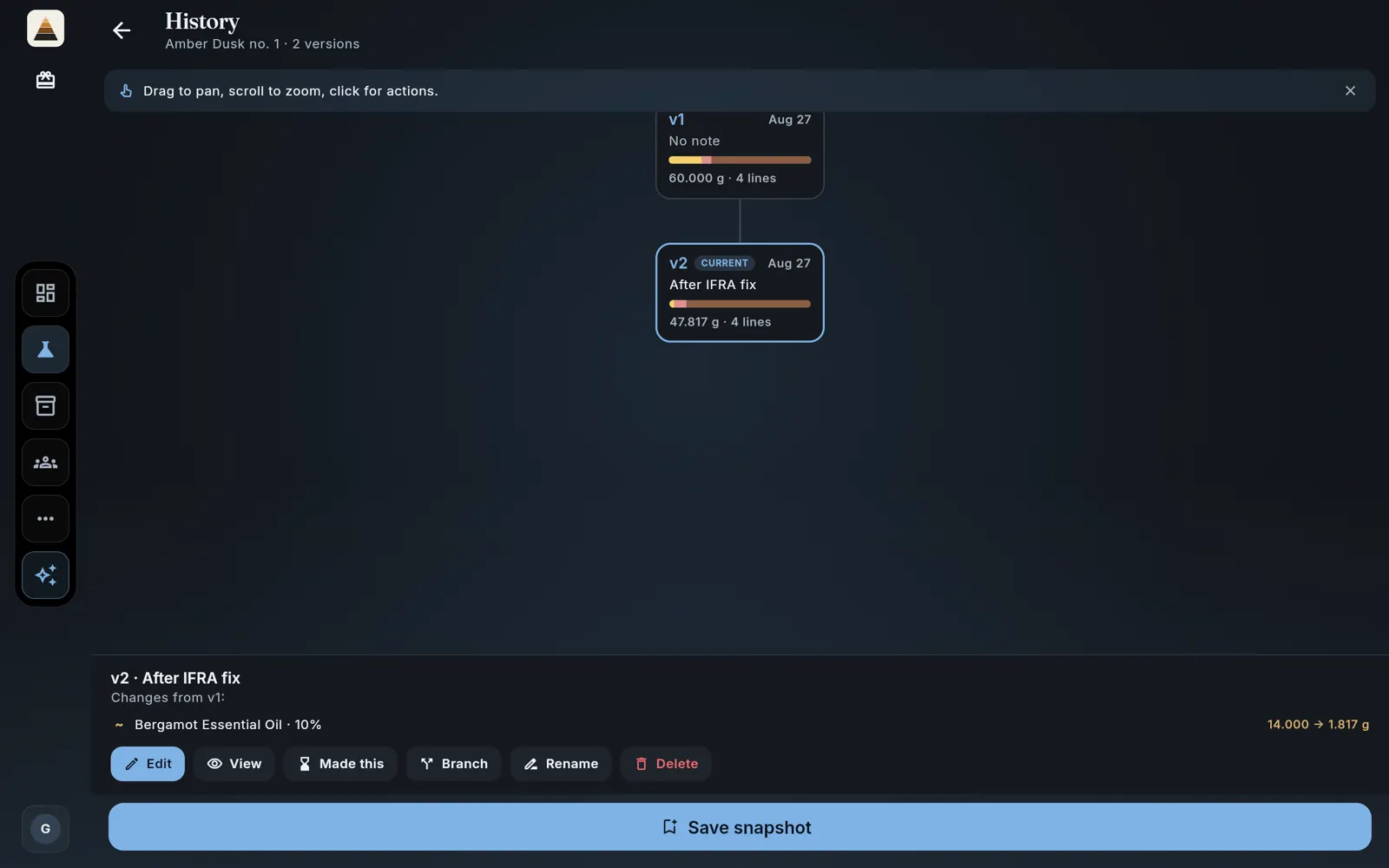
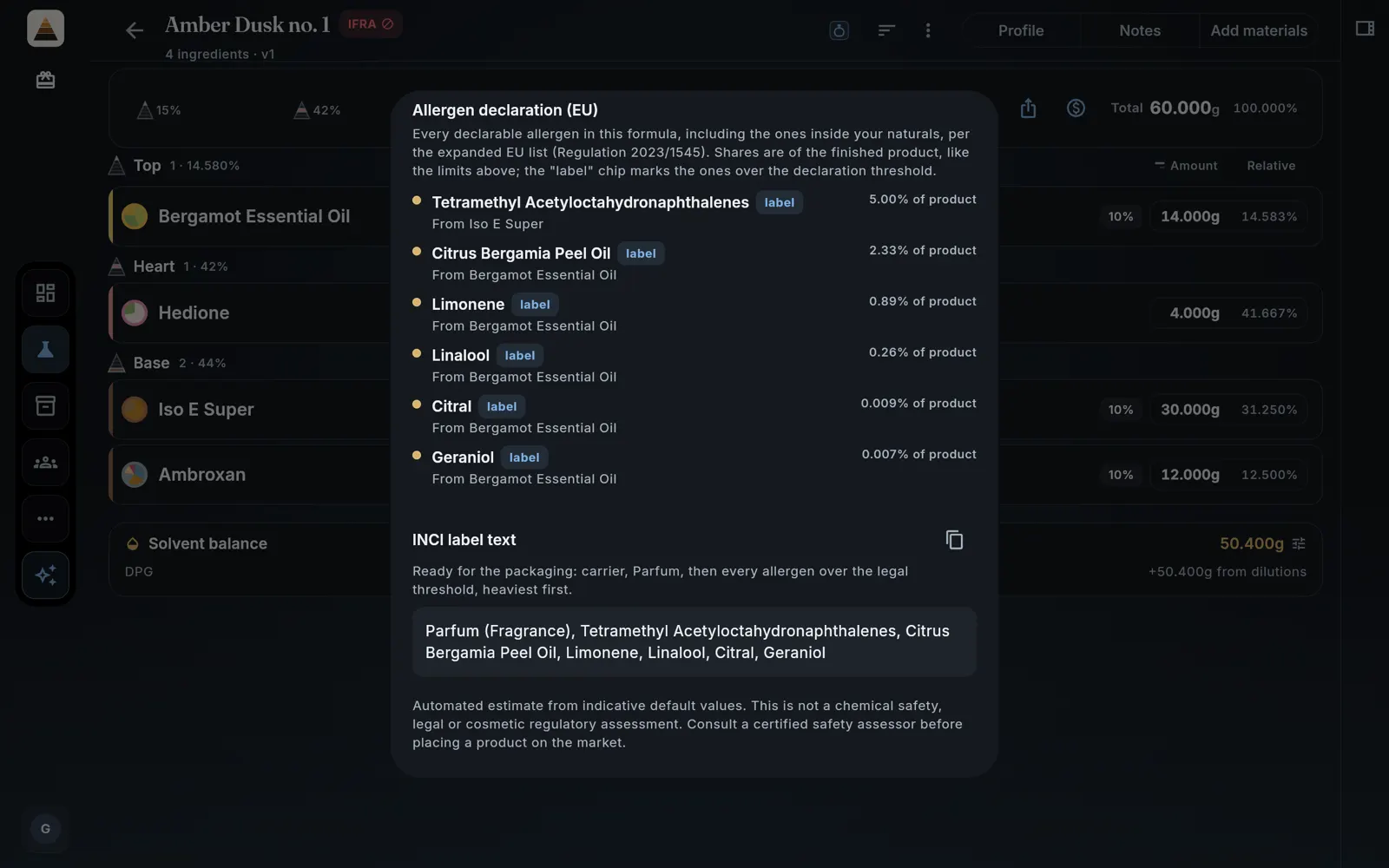
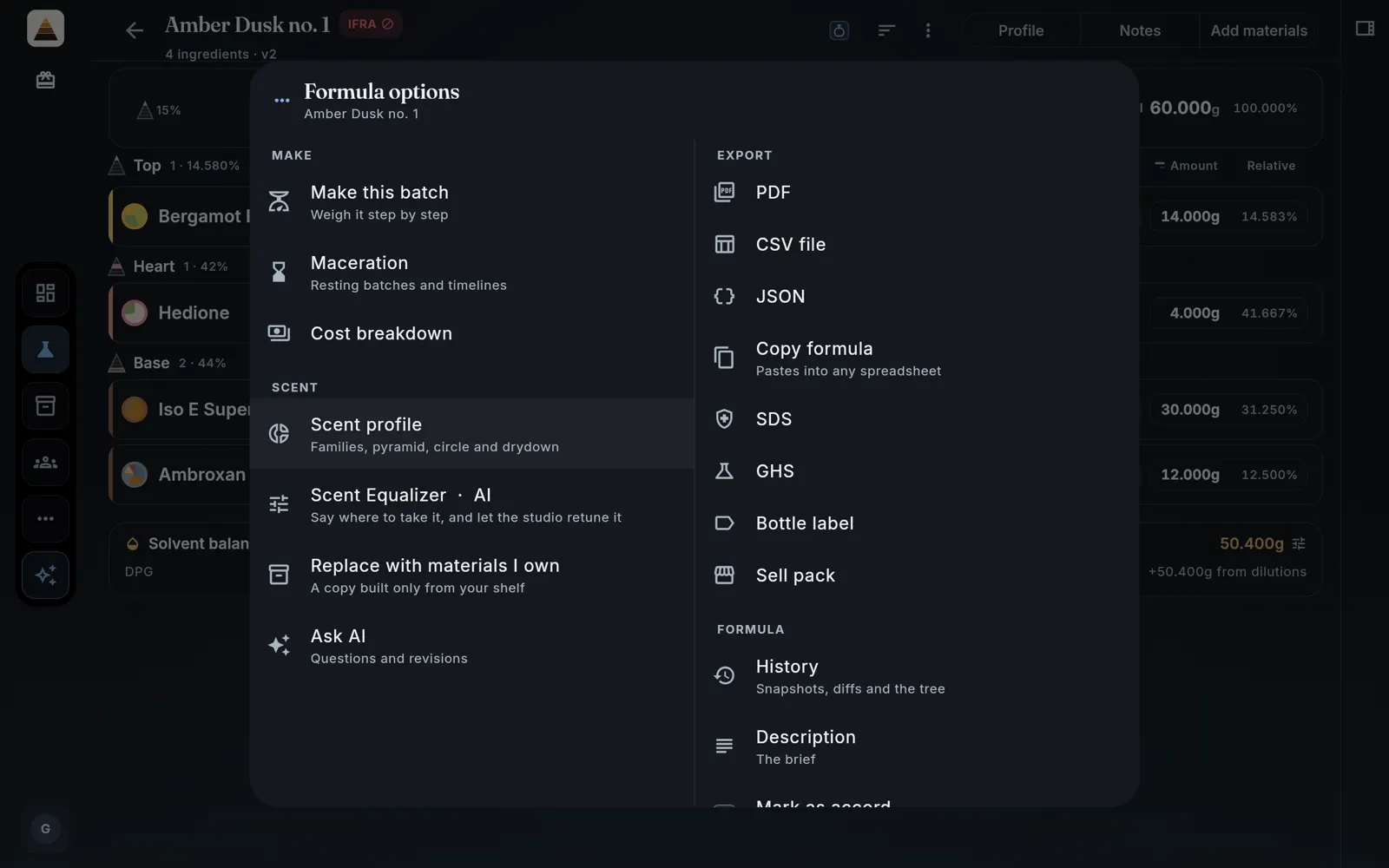
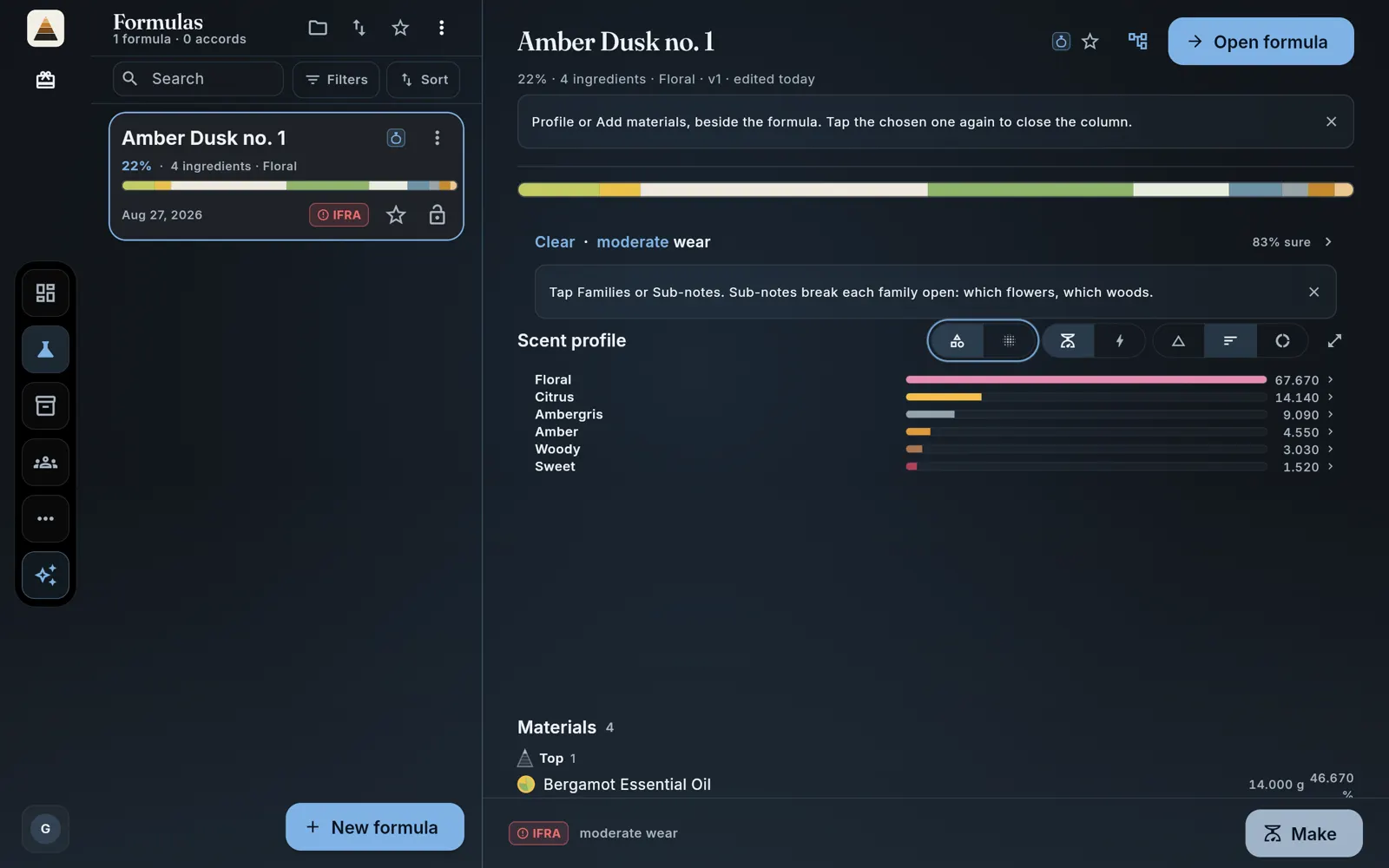
One formula is built here from nothing and followed all the way through: four materials, sixty grams, a scent profile, an IFRA check that fails and is fixed, and a batch weighed on a scale. It is called Amber Dusk no. 1, and you will see the same numbers move across every picture below.
PerfuMate is free to start: the free tier does not expire, and with a free account its shelf is uncapped. Paid plans raise the limits and add a few extras, by the month or bought once. Open PerfuMate in another tab and do the steps as you read.
| Material | Dilution | Amount | Relative |
|---|---|---|---|
| Bergamot Essential Oil10% | 10% | 14.000g | 14.583% |
| Hedionepure | pure | 4.000g | 41.667% |
| Iso E Super10% | 10% | 30.000g | 31.250% |
| Ambroxan10% | 10% | 12.000g | 12.500% |
| Total | 60.000g | 100.000% |
- Top
- 15%
- Heart
- 42%
- Base
- 44%
Solvent balance, DPG50.400g
Step 1 · no account needed
Open PerfuMate and walk in as a guest
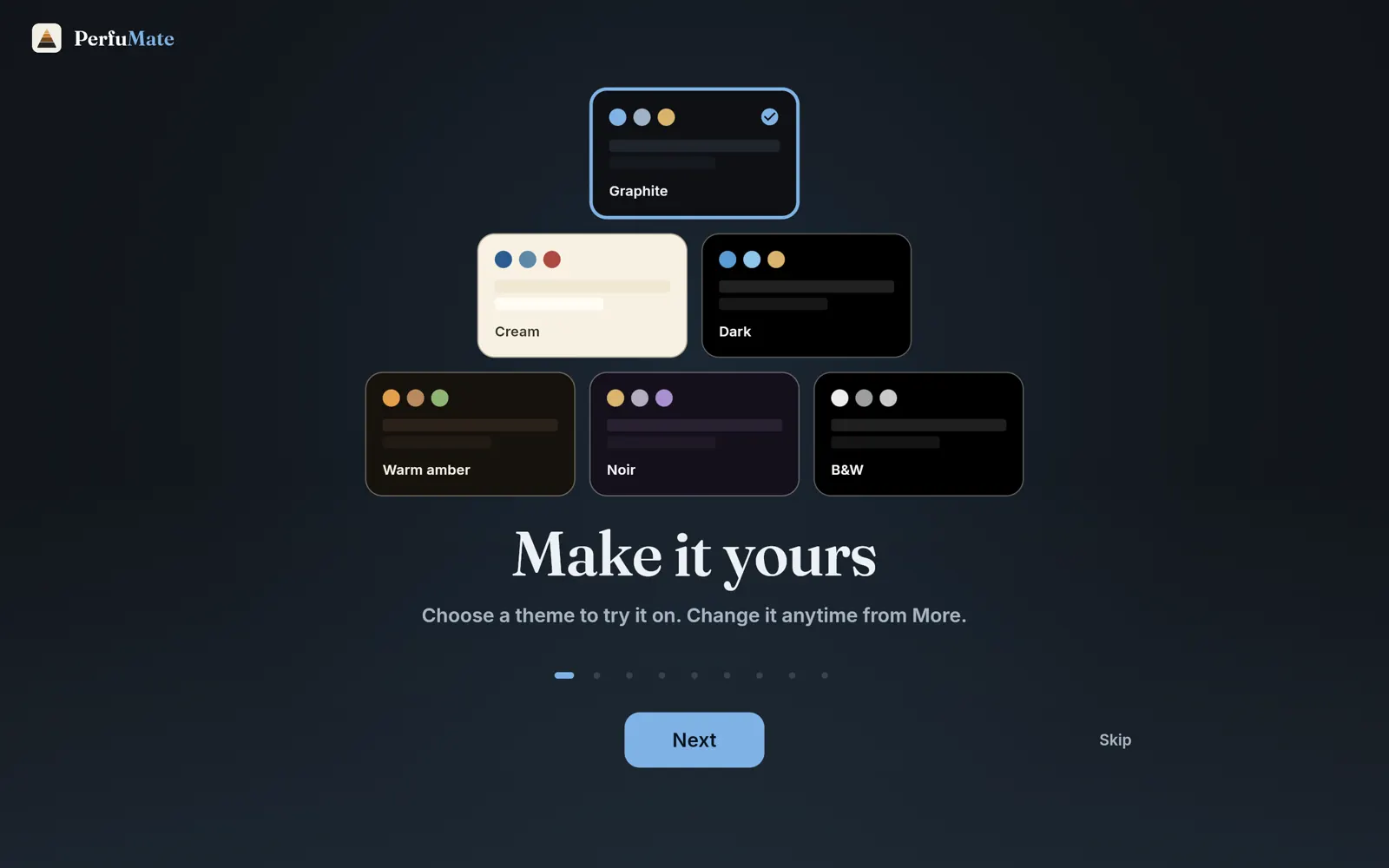
The first open shows a short welcome: pick a theme you like (there are six, and every chart re-tunes to it), flip through the cards, and skip straight through if you would rather just start. Everything you make as a guest lives in a local database on your own device; signing in later moves it to the cloud and syncs your devices, and nothing is lost either way.
Step 2 · the dashboard
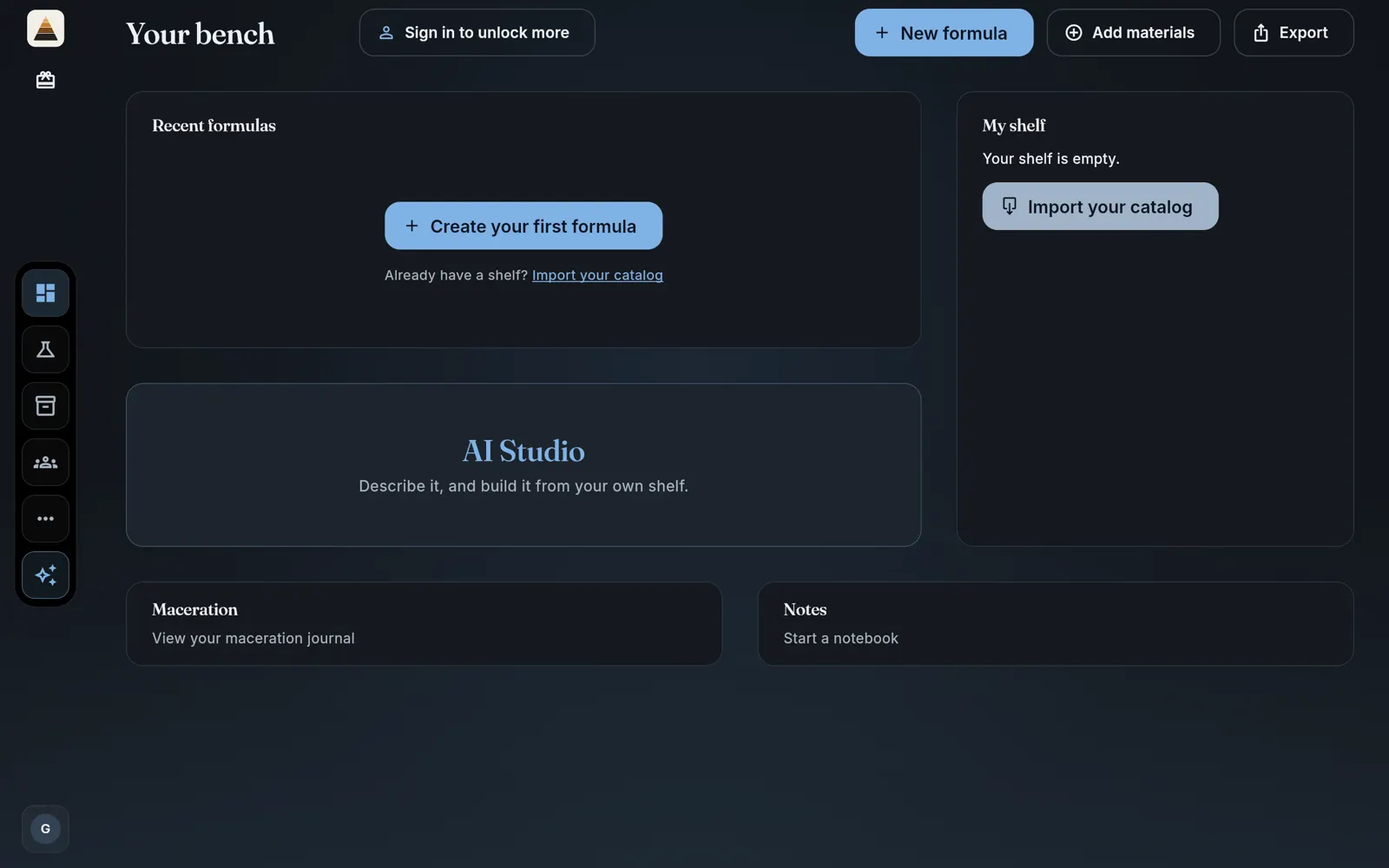
Meet your dashboard
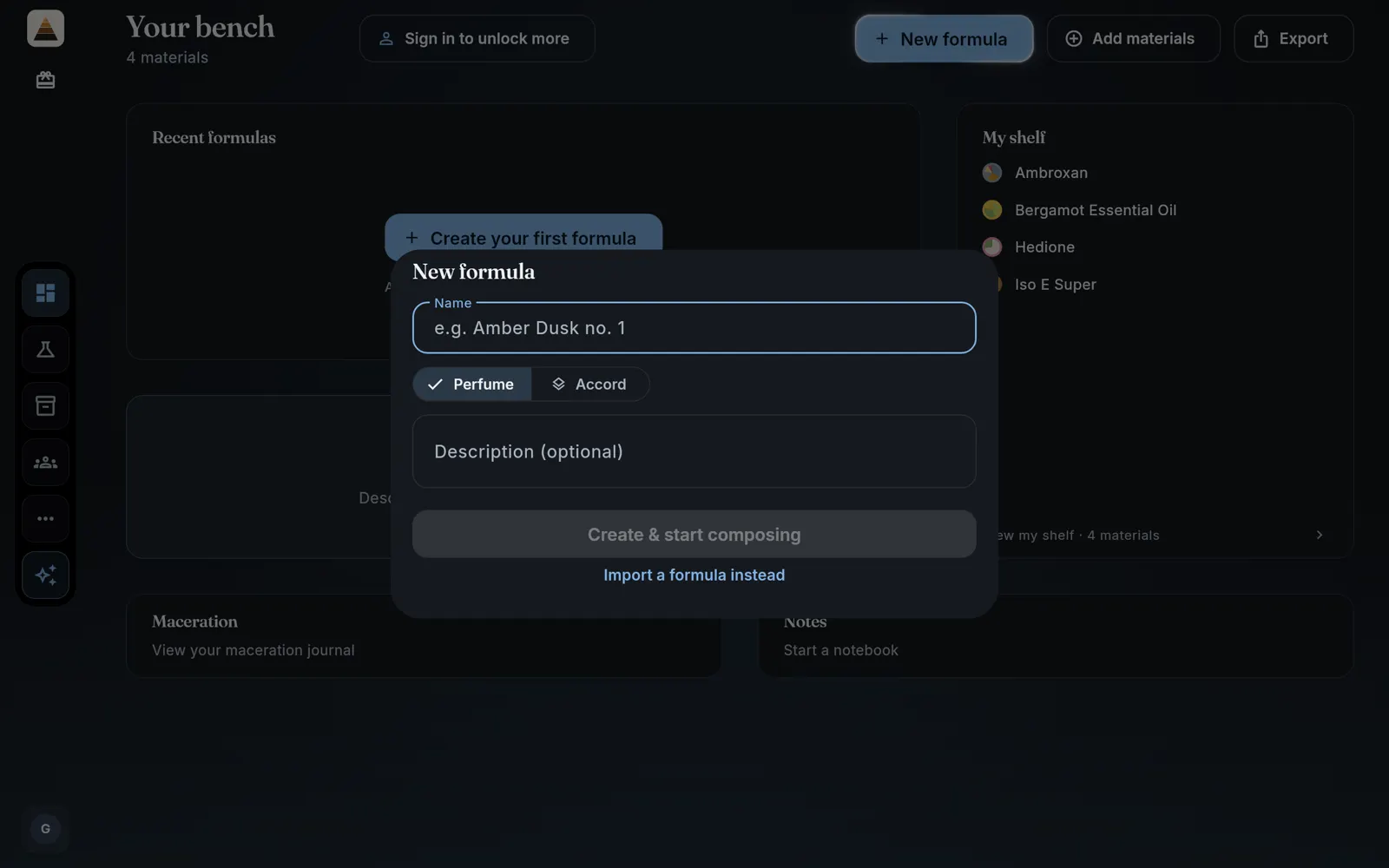
The dashboard is the whole app in one look: New formula, Add materials and Export across the top, your shelf on the right, AI Studio in the middle, and maceration, notes and the IFRA compliance card below. On a computer, the dock moves between Dashboard, Formulas, Materials, Community, Settings and AI Studio. On a phone, the bar at the bottom holds Materials, Formulas, Dashboard, Community and More.
Step 3 · three ways in
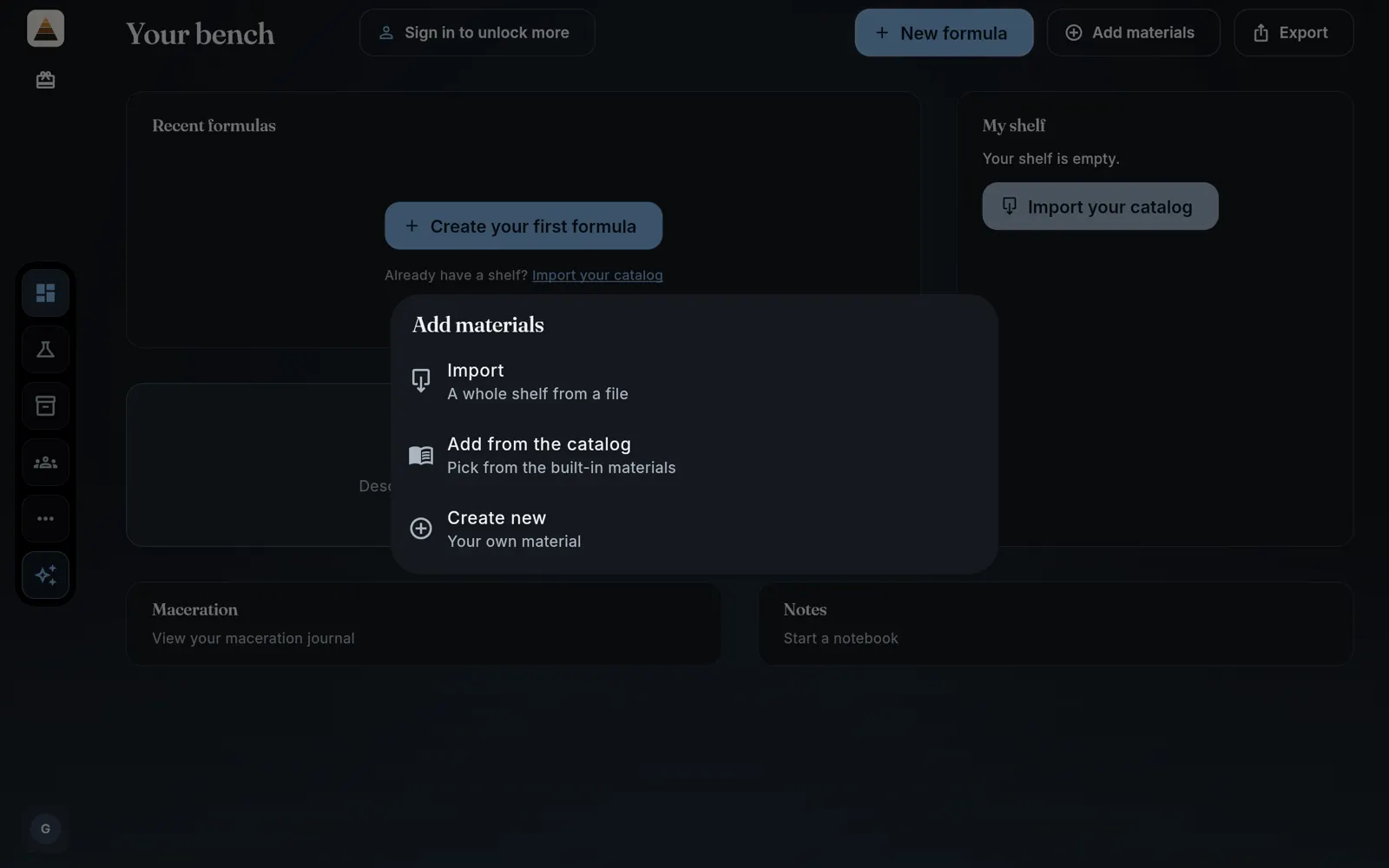
Put your first bottles on the shelf
Tap Add materials and the app asks how you would like to do it: import a whole shelf from a file if you are arriving from a spreadsheet, add from the catalog, or write your own material by hand.
The importer reads CSV, JSON and PDF, takes columns by name rather than by position, and matches what it finds against the catalog so a bottle you import arrives already described.
Step 4 · the catalog
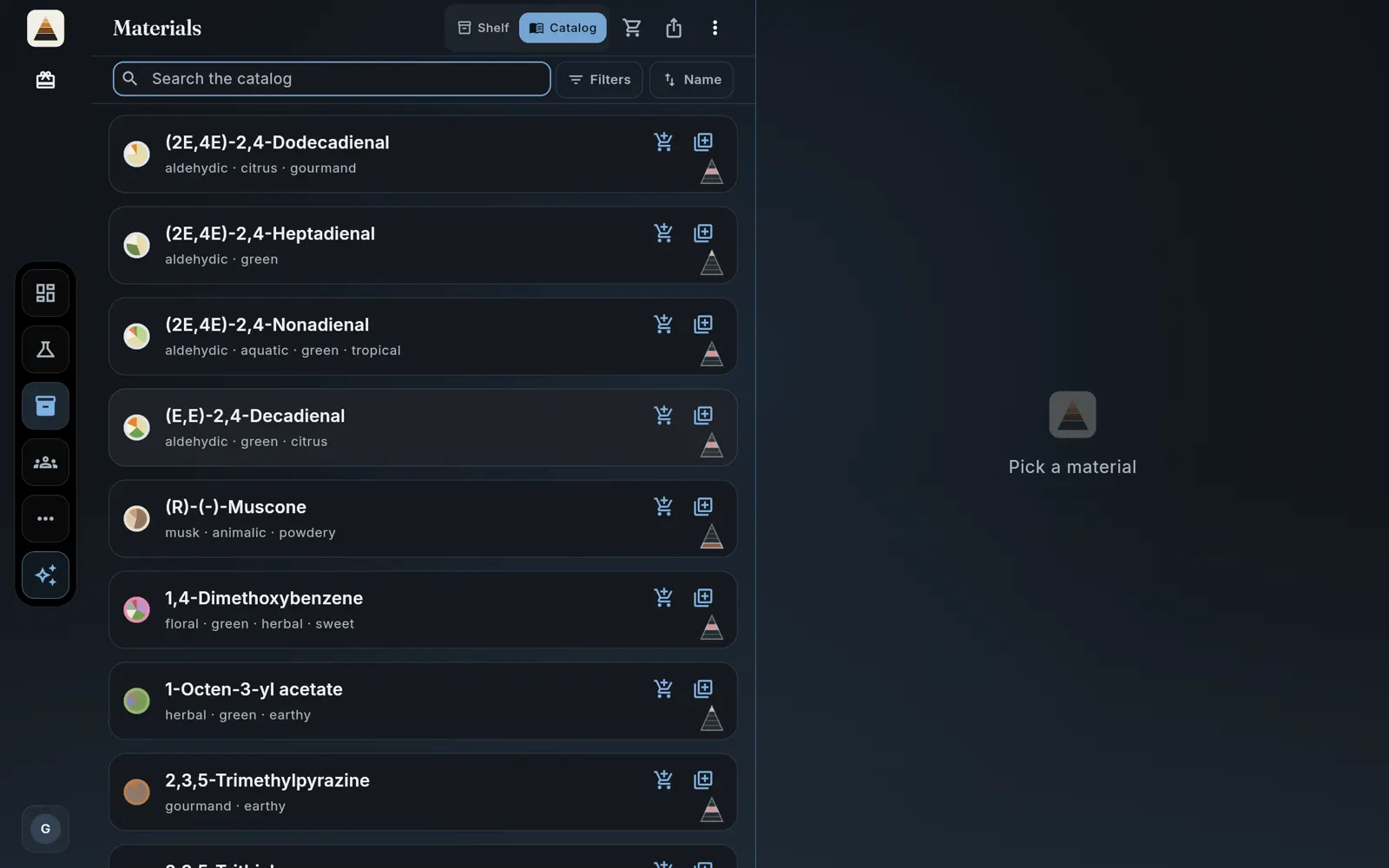
Everything already described
This is the part that surprises people coming from spreadsheets: you do not type materials in. The catalog carries 2,211 materials that arrive with odor prose, families, impact, substantivity, strip life and CAS, so adding a bottle is search, tap, done.
Step 5 · search and add
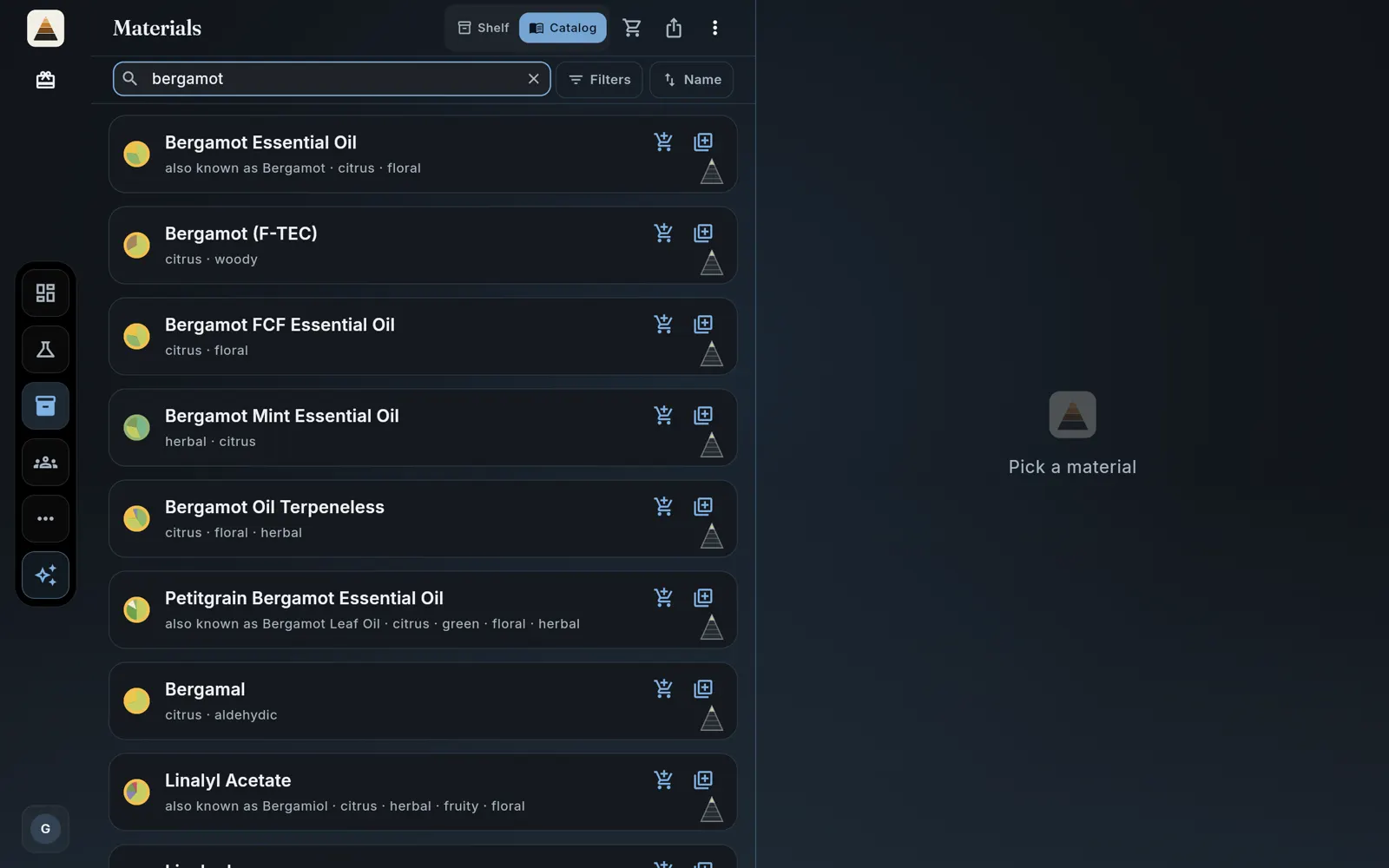
One tap and it is yours
Type one word and pick from the results. Every row shows its families and a pyramid glyph previewing where the material sits, and the button on the right adds it to your shelf with everything the catalog knows riding along. The trolley beside it puts the material on your shopping list instead, for the ones you have not bought yet.
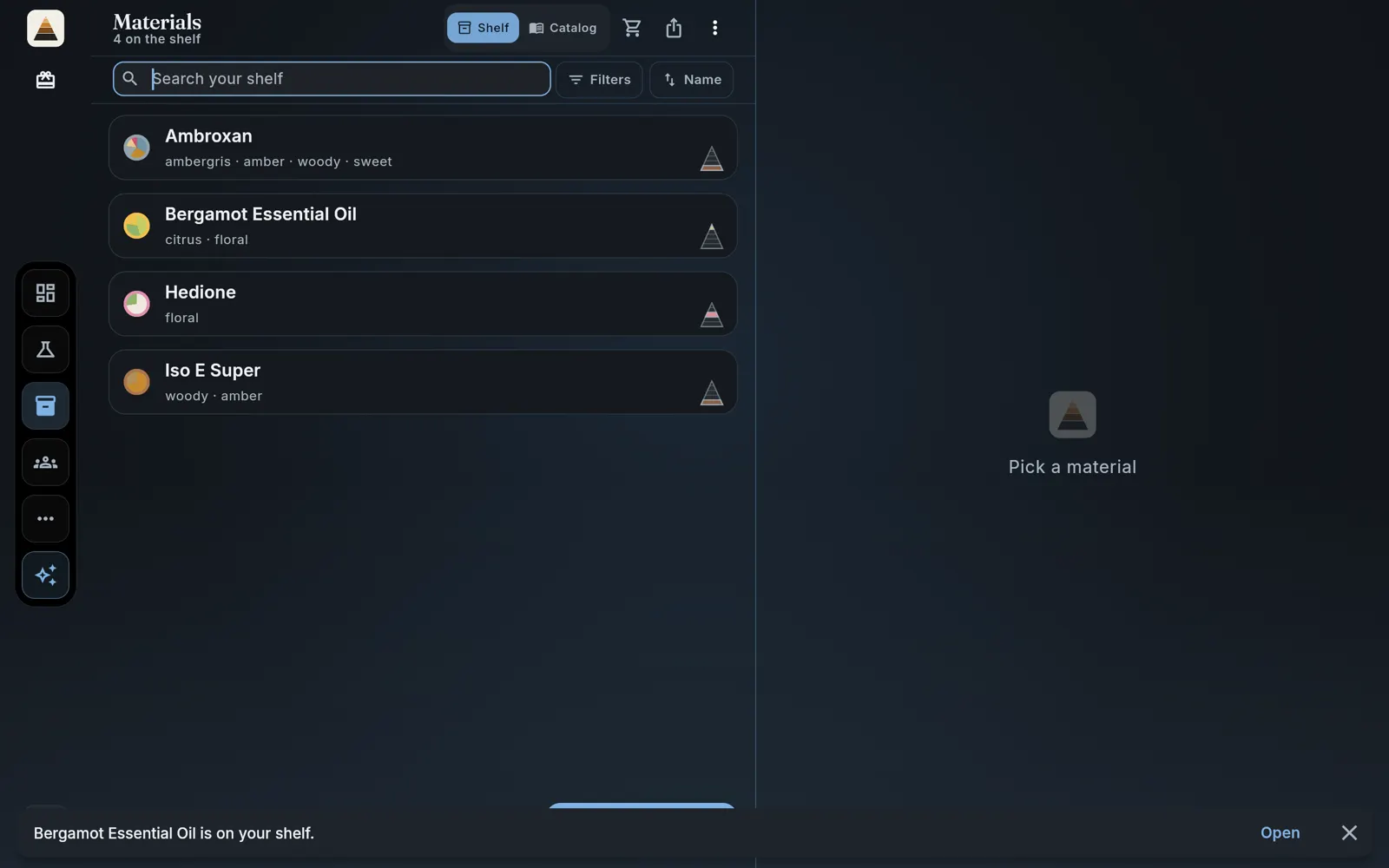
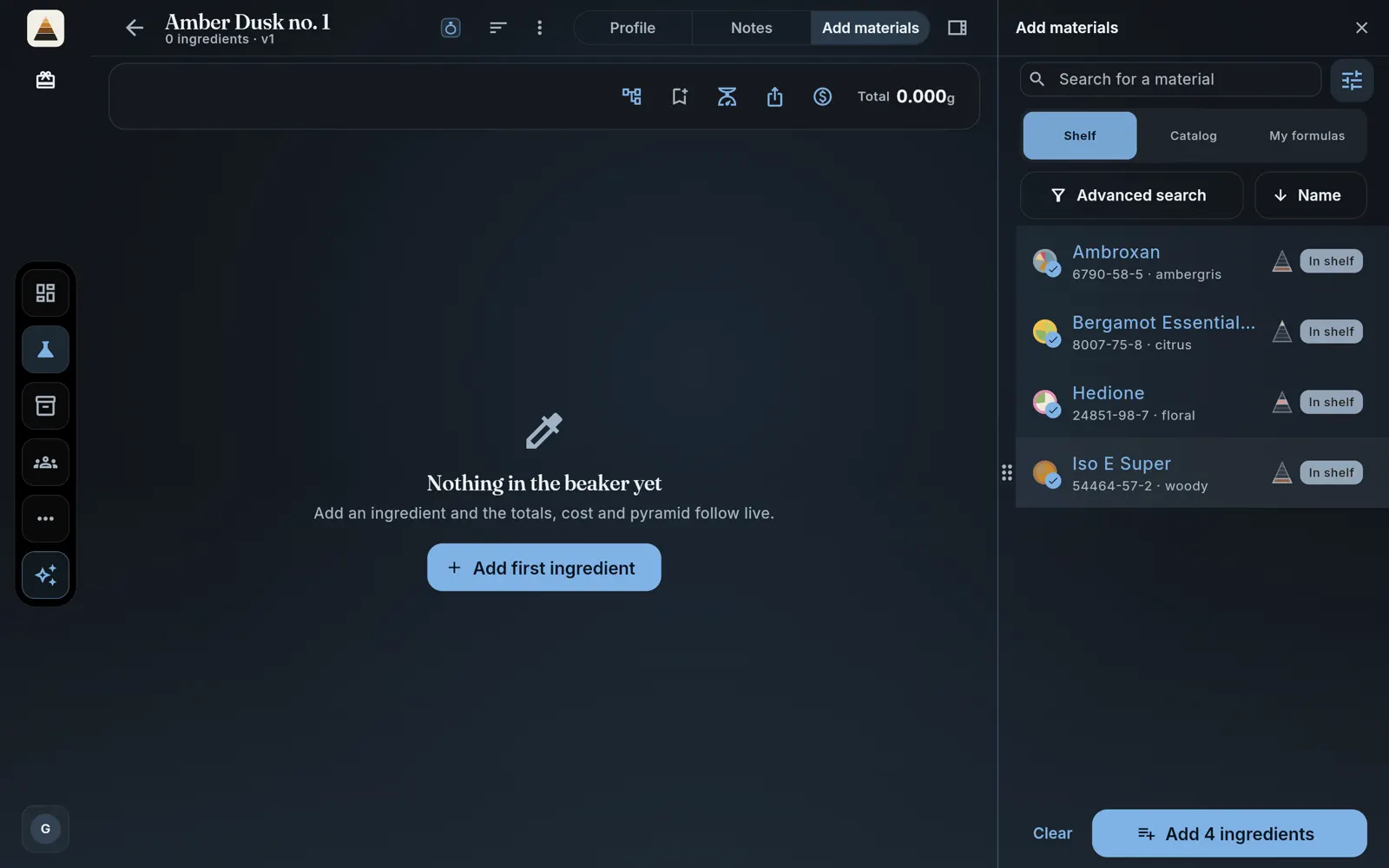
Four or five is a good first shelf: a citrus for the top, a floral for the heart, a wood and a musk underneath. This guide uses Bergamot Essential Oil, Hedione, Iso E Super and Ambroxan.
Step 6 · your shelf
The shelf is yours to keep
Materials you add land on your shelf and stay there. With a free account the shelf is uncapped: put a hundred bottles on it if you own a hundred bottles. As a guest it holds 25. Everything downstream, the picker, the substitutes, the AI, works from this list rather than from a catalog you do not own.